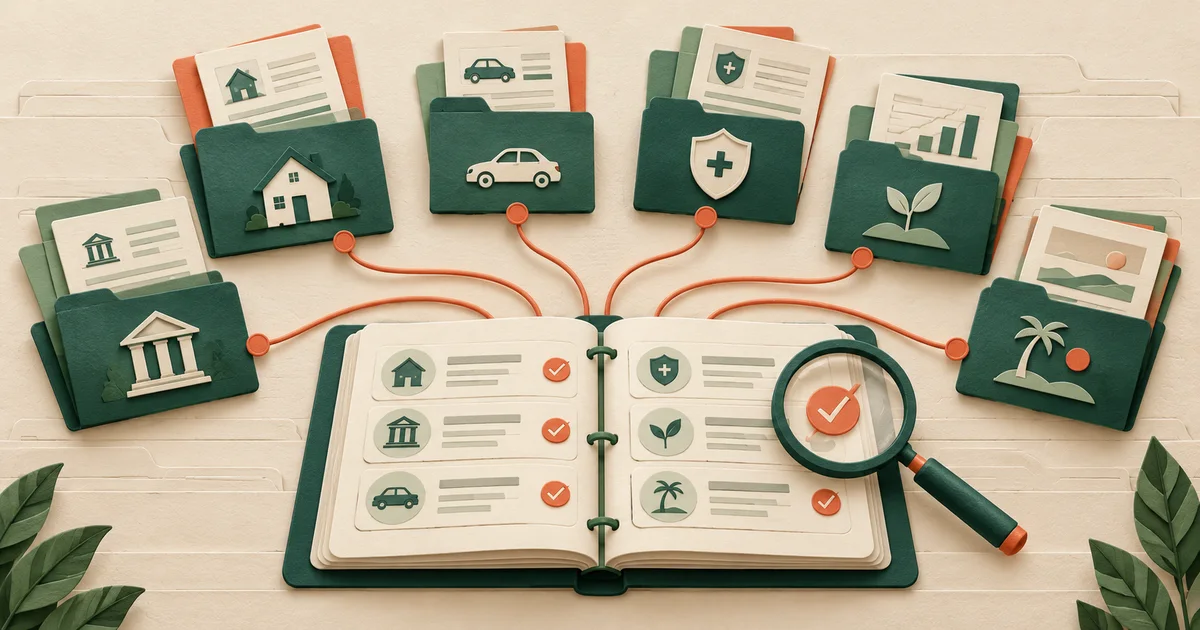
Move from scattered files to one folder grammar
- Map what already existsList paper drawers, email attachments, downloads, cloud folders, and professional portals before moving anything.
- Choose one folder grammarUse category, institution or document, and year in the same order everywhere.
- Separate authority levelsLabel signed originals, certified copies, reference copies, and drafts so they cannot be confused.
- Create a retention queueMove uncertain items into a dated review folder instead of keeping or deleting them impulsively.
Choose paper, digital, or hybrid on purpose
Paper is tangible and works without a device, but it is harder to duplicate safely and search quickly. Digital records are searchable and easier to back up, but depend on access controls, formats, and recovery. A hybrid approach often keeps legally or operationally important originals on paper and searchable reference copies in secure storage.
The best system is not the most elaborate. It is the one household members can follow consistently. Document the rule in a short read-me note so that another person can interpret the filing tree without reverse-engineering personal habits.
Decisions the filing system must make explicit
- File by household task, not by download date
- Mark originals, copies, and drafts clearly
- Use dates in a sortable format
- Dispose securely and document the decision
Use names that sort and explain
A useful digital filename can contain an ISO-style date, institution or issuer, record type, and a masked reference: 2026-09-30_HarborBank_Checking-1842_Statement.pdf. The pattern sorts chronologically and distinguishes records without revealing a complete account number.
Avoid names such as scan001 or final-final. For versioned documents, include status such as DRAFT, SIGNED-COPY, or SUPERSEDED. Never label a scan as the original; the physical signed document may have different legal or practical significance.
Claims need especially disciplined evidence handling, so connect this structure to the insurance claim document checklist. For long-term handoff, the executor information checklist shows which records another person may eventually need to locate.
A good file name answers four questions
The name should show the date, source, record type, and a safe reference. A stranger should not need to open ten files to find the right one.
- Start with a sortable date.
- Name the institution or document.
- Mark whether the file is a draft, copy, or signed record.
Practical tip: Use the same naming rule for paper indexes and digital folders.
Choose the storage form by the job
| Form | Useful for | Main caution |
|---|---|---|
| Paper | Signed originals | Harder to search and back up |
| Digital | Searchable reference copies | Needs access control and recovery |
| Hybrid | Originals plus working copies | Needs a clear rule for which copy controls |
Controls for naming, retention, and recovery
- Folder map
- Naming convention
- Original-versus-copy label
- Retention source
- Review queue
- Backup location
- Restore test date
- Secure-disposal log
Make retention a source-based decision
Retention needs vary by record type, jurisdiction, audit period, contract, claim, and ongoing transaction. Do not apply one universal number to every financial document. Use current guidance from the relevant tax agency, regulator, insurer, attorney, employer plan, or contract.
For every category, add a retention note that identifies the rule source and the disposal trigger. If the household is unsure, isolate the record in a review queue and ask the appropriate professional before destroying it.
Back up, test, and dispose
A backup is useful only if it can be restored. Keep at least one protected copy separate from the primary device or location and periodically open a sample file from the backup. Check that encryption or vault recovery information is available to the intended person without being stored beside the device.
Use cross-cut shredding or a trusted destruction service for sensitive paper and secure deletion practices appropriate to the storage medium for digital copies. Before disposal, confirm that no open claim, dispute, filing obligation, or estate matter still depends on the record.
Retention periods are source-specific
Tax, legal, policy, contract, claim, and estate requirements differ. Record the rule source and disposal trigger instead of applying one universal retention number.
Connect the folder system to the master inventory
Use the organizer to point to the authoritative folder or original. Keep credentials in a separate access process and test that intended backups can be restored.
- Use a private financial inventory organizerBuild a clear index of what exists, who owns it, and where the authoritative record lives. Entries remain in this browser unless you export them.
Questions about scans, email, and passwords
Should every paper document be scanned?
No. Scan when a searchable or backup copy has a clear use. Some documents still require a signed or certified original, and unnecessary scans increase the sensitive-data footprint.
Can email be the filing system?
Email is useful evidence but a weak master archive. Important attachments can be hard to search, duplicate, export, and hand off consistently.
Where should passwords be stored?
Not in the document index. Use a separate credential-management process and let the index point to that process without revealing the secret.
Recordkeeping and security references
These first-party government, regulator, or established professional sources support the specific task above. They are provided for verification and do not imply endorsement.